How to add a drop shadow to an image (the easy way)
2026-01-30
What are drop shadows good for?
Sometimes, I embed an image in a blog post (or any other Markdown document) and it blends in too well. The image might contain text and it can be difficult to see where the regular text ends and the screenshot starts. Or it might be useful to see what belongs to the image and what is part of the document background.
Even without such special needs, adding a drop shadow to an image can make it look nicer:
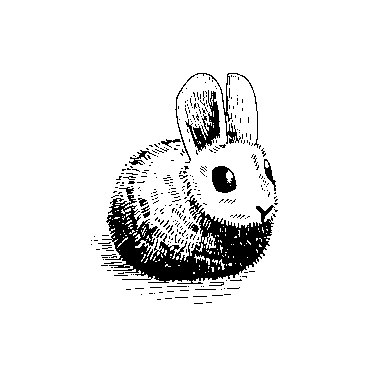
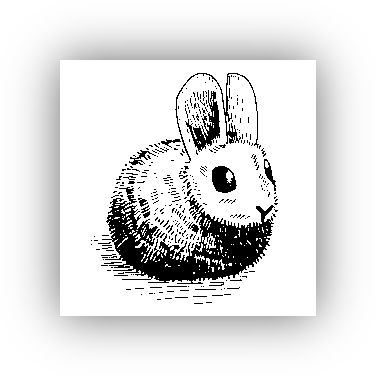
(Image source: https://harelang.org)
How to add a drop shadow to an image?
To solve this problem (and for the fun of trying new things), I have created a simple web service: imageshadowtool.com.
It's really easy to use, it's free, it's fast and all images stay on your local machine. The shadow is added directly in the browser.
Just follow the link, drag'n'drop the image into the browser or click "Choose
image". You see the result immediately. If you like, change some parameters.
Click download when you're done. The browser stores the resulting image in your
default downloads folder, with ‑shadow in the name.